01 PRECISION WHEEL
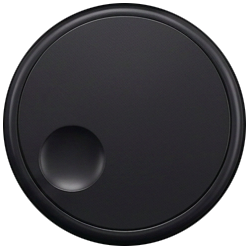
Jog. Shuttle. Scroll.
Frame-accurate jogging, variable-speed shuttle, and timeline scrolling—switch modes directly from the dial.
 Speed Editor
→
Speed Editor
→
 Adobe Premiere Pro
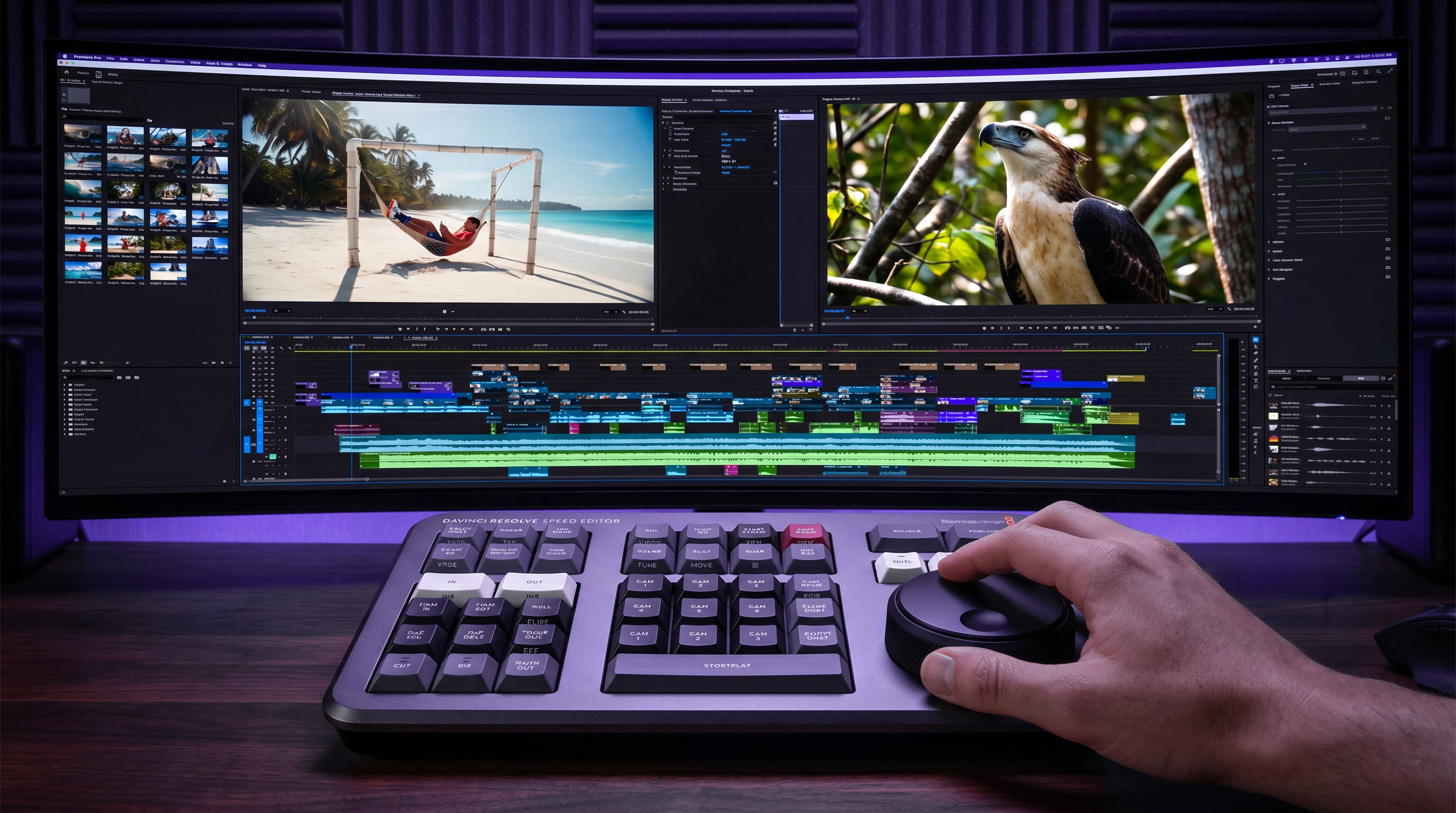
EditorBridge unlocks your DaVinci Resolve Speed Editor for Adobe Premiere Pro with a real jog wheel, custom mappings, and zero subscriptions.
 Windows 10 / 11 · USB-C + Bluetooth
EditBridge features an easy UI to customize your shortcuts, control the JOG and SHUTTLE sensitivity, long press duration and more.
EditorBridge CONTROL PANEL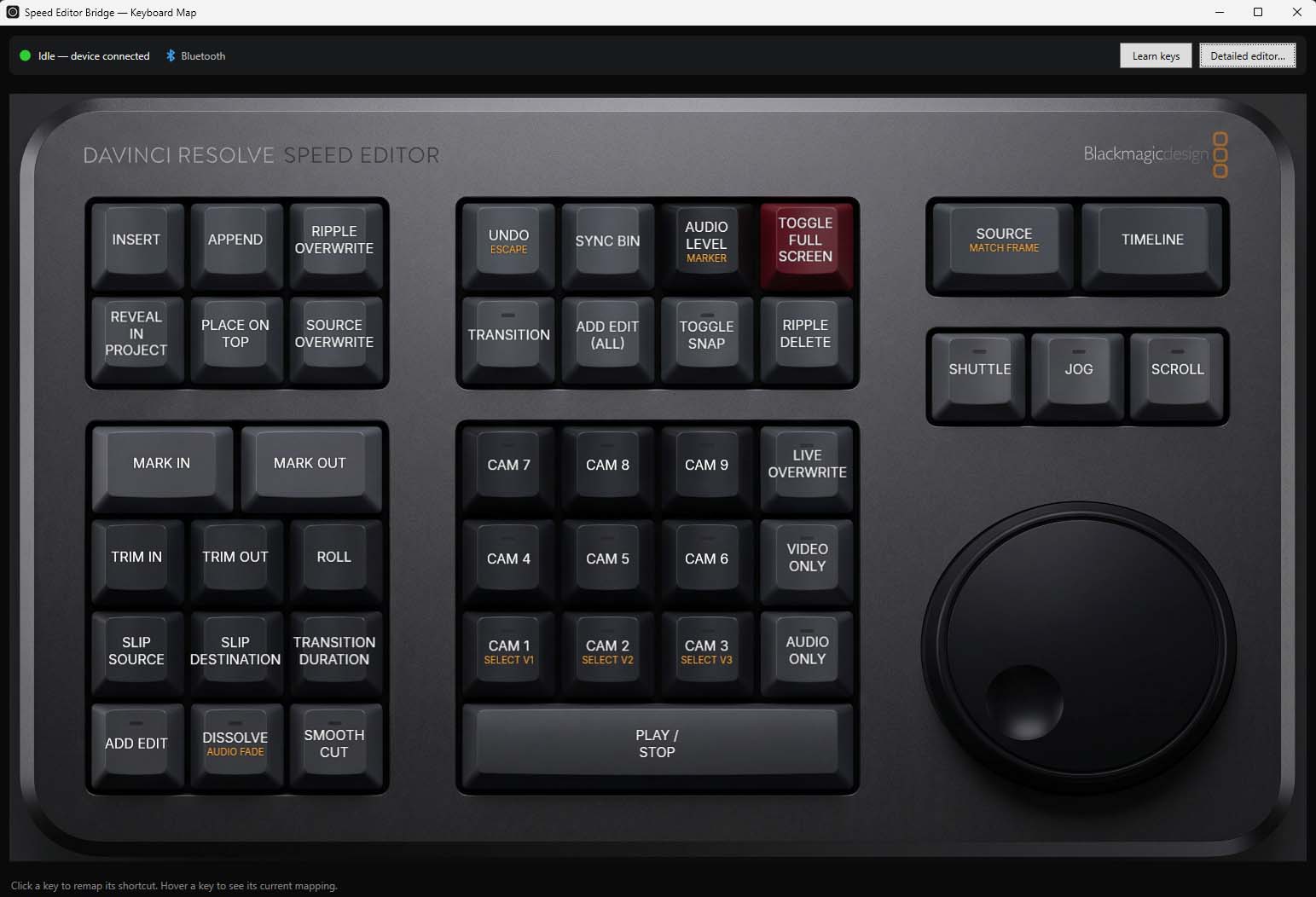
* DaVinci Resolve Speed Editor not included.
YOUR SPEED EDITOR HAS MORE TO GIVE.
Editor Bridge is a customizable, compact system tray app that reads the Speed Editor's JOG/SHUTTLE wheel rotation and keystrokes only while Premiere Pro is active.
All the tactile speed you bought the hardware for, translated into a Premiere-native editing experience.
Frame-accurate jogging, variable-speed shuttle, and timeline scrolling—switch modes directly from the dial.
Assign and rename commands on a visual map, so your setup stays obvious even as it evolves.
Give every key a second, color-coded shortcut on long press. You control the hold timing.
Work wired or wireless with connection status and battery level always visible.
No drivers to chase. No complicated setup. EditorBridge sits quietly in your system tray and gets out of your way.
A lightweight Windows app that lives in your system tray.
USB-C or Bluetooth. Your Speed Editor is detected automatically.
Use the polished default map—or make every control unmistakably yours.
One purchase. Two machines. No subscription quietly draining your budget.
EDITORBRIDGE LICENSE